
Rooms and outdoors
Put your workspace in context.
Desk lights, room lighting and covers meet in the workspace. One room view can make their positions easier to understand.
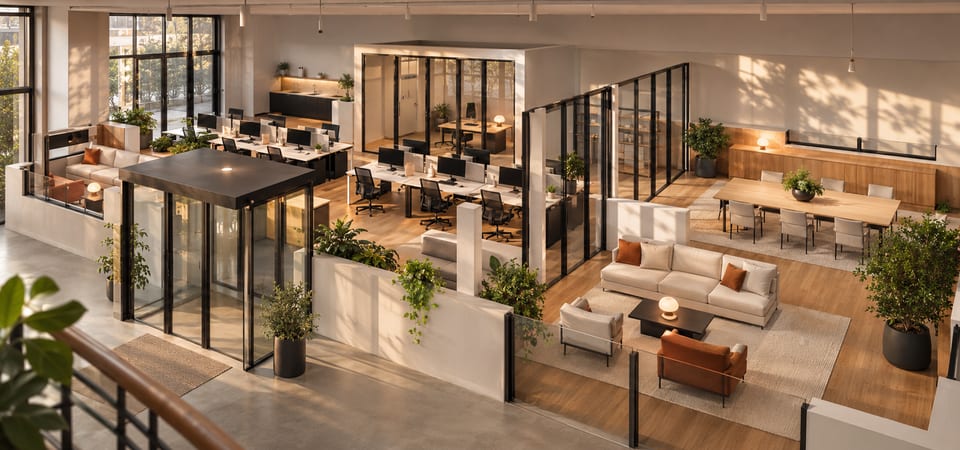
Start with the place you work
Begin with the area you use yourself. Which light belongs to the desk? Which blind is beside the screen? We assess supported functions against your Home Assistant setup. A clearer view does not remove glare or replace workspace planning.
Shared rooms need separate rules
With several users, responsibilities and permissions need separate agreement. An area in Home Assistant is a spatial assignment. It does not establish separation between teams or tenants. Building operations and room booking extend beyond this offer.
A practical example
Illustrative example: Two lights and one blind are assigned to a home office. The meeting room stays outside the agreed scope.
What your setup needs to provide
VioMio adds a 3D view to Home Assistant. Verified feature groups are light controls, supported cover functions, and display of suitable door/window contacts and room temperatures. Dimming, colour temperature and cover functions depend on the device and integration. Temperatures are read-only. Relevant entities need suitable room and floor assignments. We assess your specific scope before preparing a quote. Booking systems, access control, occupancy analytics and multi-tenant operation are not promised.
Your route to a quote
A cleaned room plan and relevant entity names help later. Remove staff names, customer data and screen contents. For the first enquiry, we need your email address, smart-home system and approximate building or space size. Plans, photos and device information can follow later. Send only necessary materials and remove private information and credentials. We clarify open questions by email and prepare a quote with scope and costs. Implementation is agreed afterwards.