
Intuitive 3D control
for smart buildings.
Your 3D smart-home dashboard
VioMio turns your building into an interactive 3D smart-home dashboard. Control connected devices right where they are. Intuitive. Easy to find.
Made for Home Assistant. We check other systems individually.
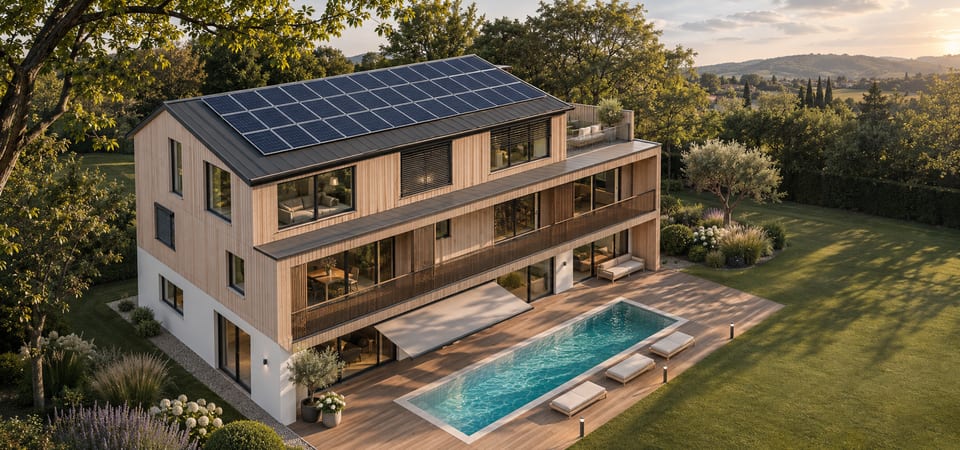
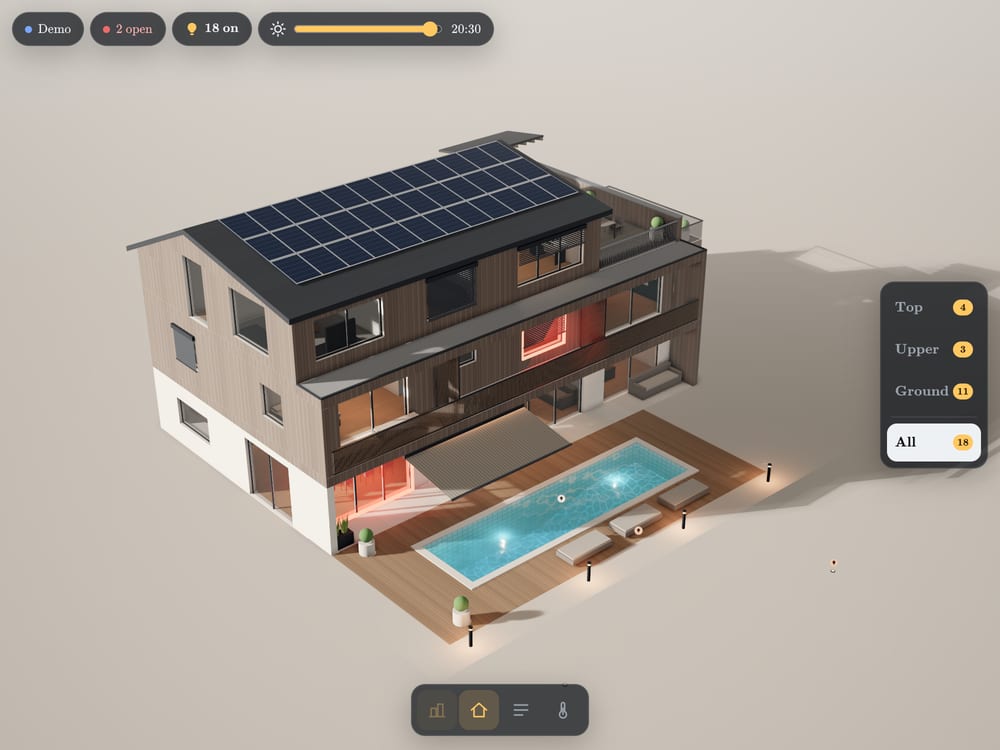
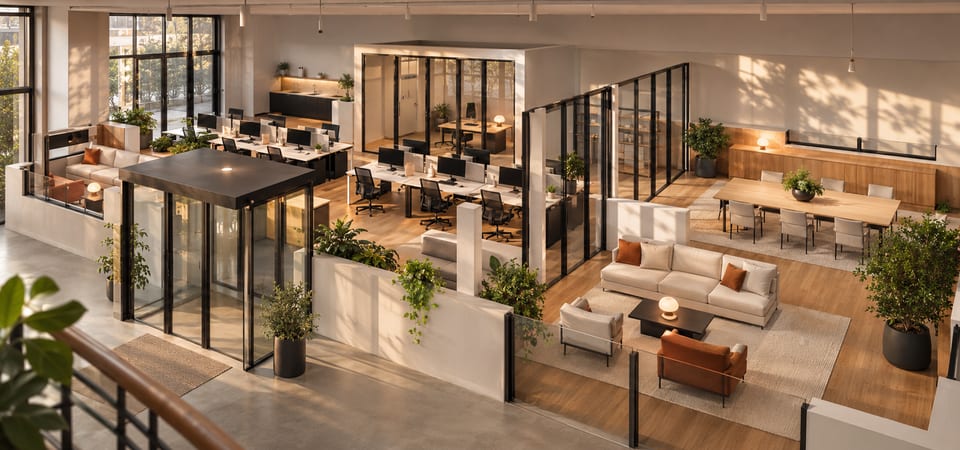
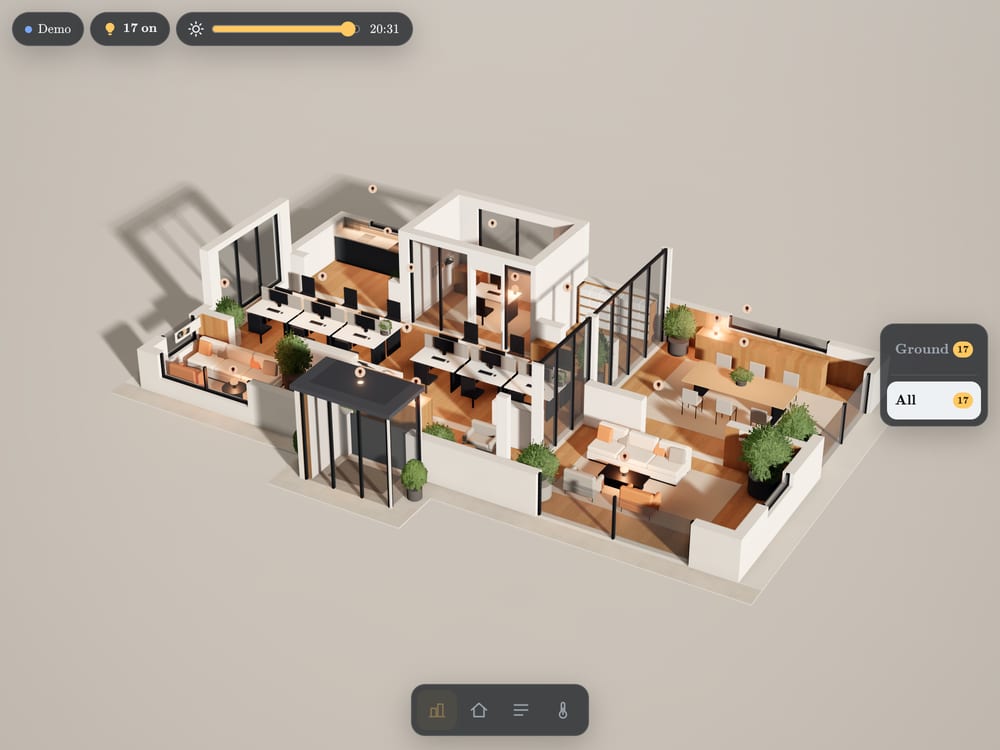
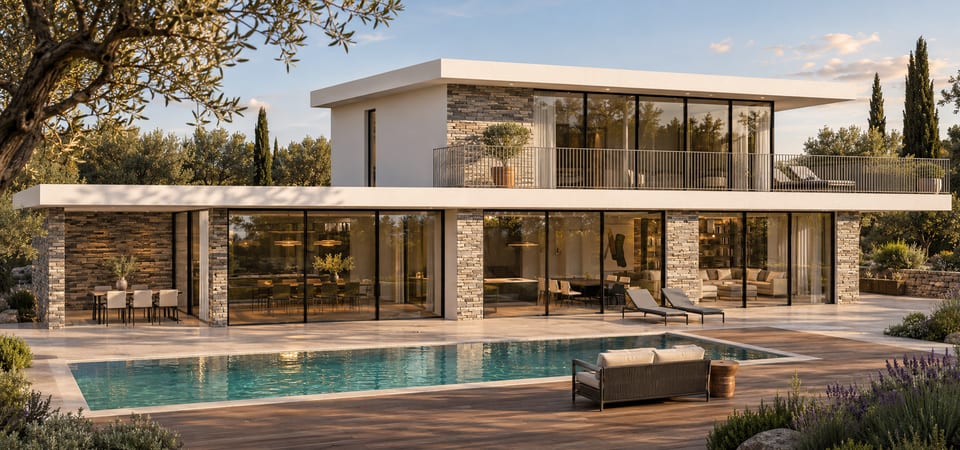
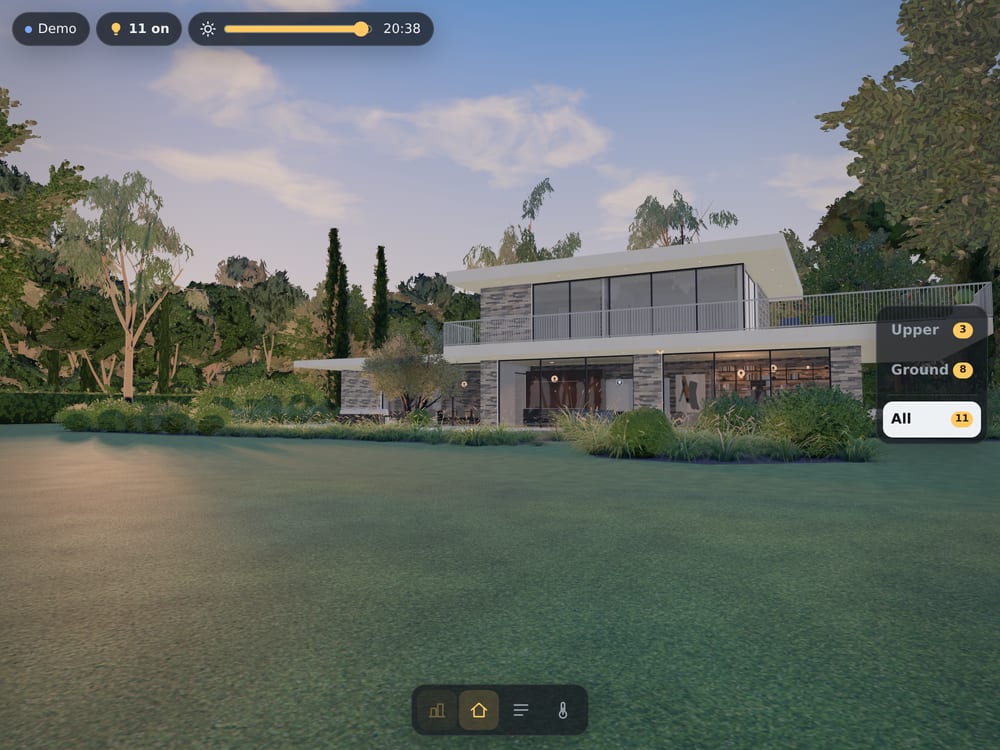

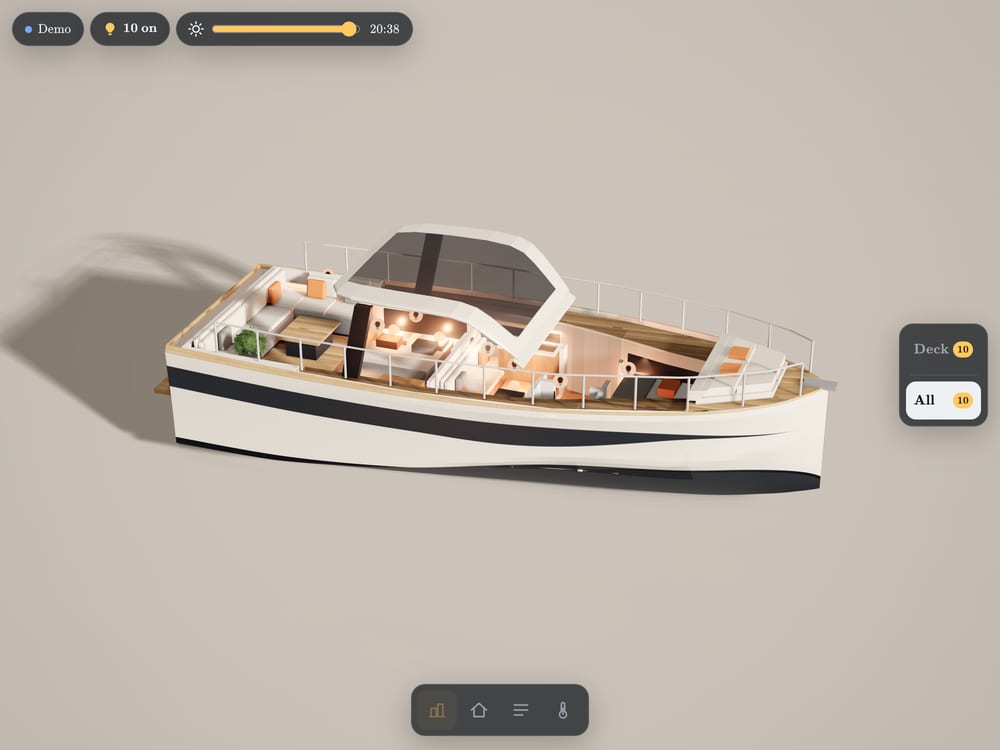
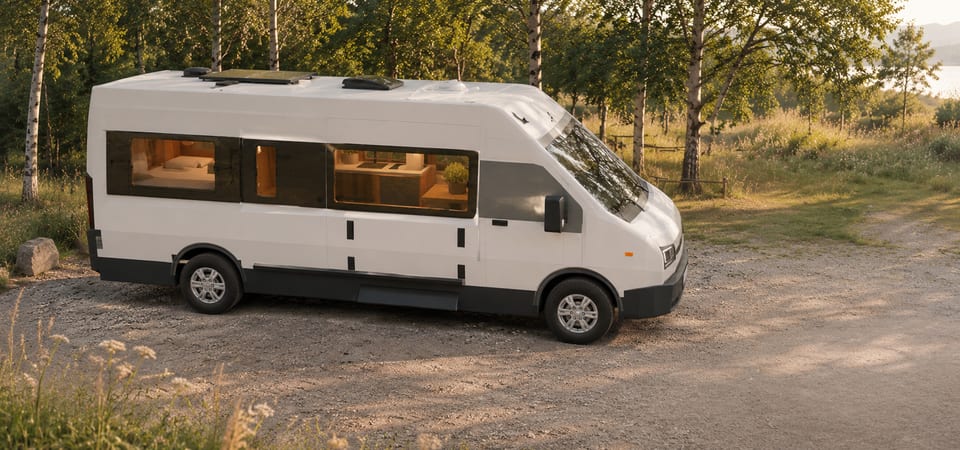
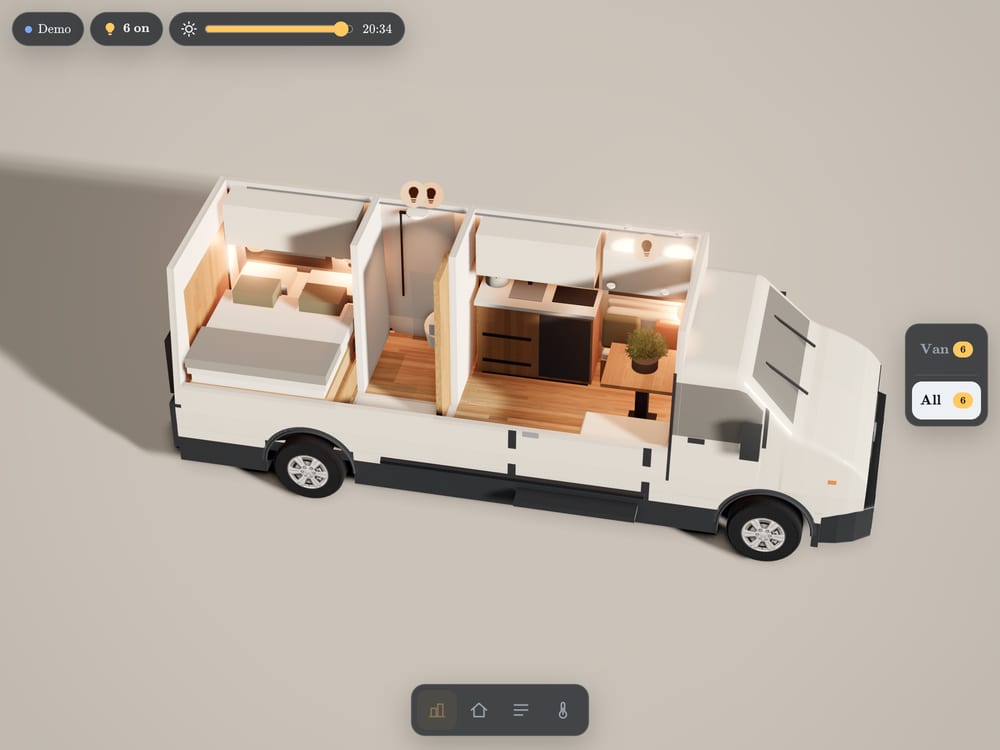
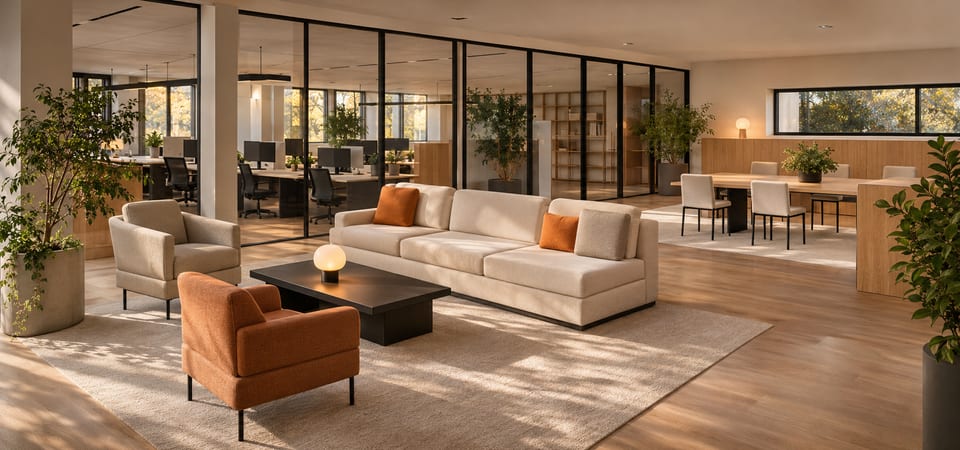
All scenes are fictional examples. The tablet shows our demo with simulated devices, not a control screen for the building or vehicle shown.
VioMio and
Home Assistant.
Do you use Home Assistant? Then VioMio is the 3D view for it. We build a model of your building and connect it to the devices your Home Assistant already controls. Home Assistant stays your control centre. VioMio does not replace it.
Another system such as KNX, Loxone or HomeKit? We check it individually.
What you control and see in the model
- Switch lights and, where the light supports it, dim them or change the colour temperature.
- Move blinds, shutters and awnings.
- See open windows and doors at a glance.
- Read room temperatures.
What depends on your Home Assistant
The model shows the devices your Home Assistant knows and assigns to a room. What a device can do depends on its integration: a light that only switches on and off cannot be dimmed in the model. We check which devices and functions work for you before we send a quote.
Your building.
Your possibilities.
Switch a light directly in the 3D model? See which window is still open at a glance?
VioMio brings a realistic 3D view of your building together with your existing smart-home system. We check the functions your setup can support and prepare a tailored quote for your model and controls.
Bring your home
to life.
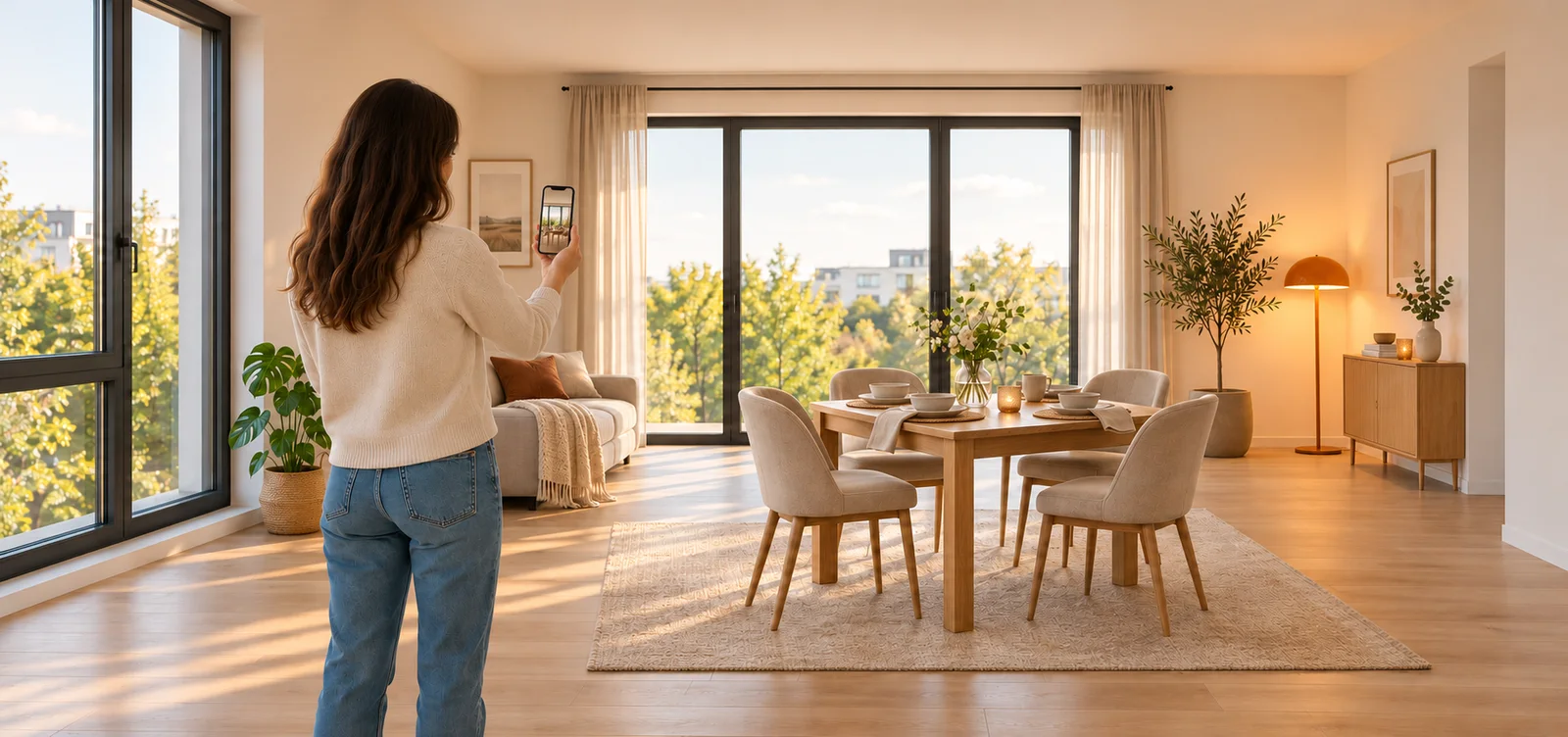
A scan of your rooms or a floor plan with dimensions forms the basis of your personal 3D model. Exterior photos help us with the outside view.
We create your digital building twin, check the connection to your smart-home system and agree the functions to suit your wishes and budget. Individually prepared. Simple to use.
Guides for
your project.
Apartment, house, individual rooms, camper, boat or hotel room: our guides show what a 3D view with Home Assistant can do there, what your setup needs to provide and where the limits lie.
Read the guidesReady for
your VioMio?
How you get your quote
- Enquire. Your email address, smart-home system and the rough size are enough.
- Add your files. A 3D scan or a floor plan with dimensions, exterior photos and the device list from Home Assistant. Send them with your enquiry or add them later.
- Receive your quote. We reply by email with any questions, check what your system can support and send you a quote with scope and costs. Work only starts after that.